As a measure to reduce spam, NECCDL requires all participants to verify their Discord accounts before being allowed into the general NECCDL Discord server. You can verify your account in one of two ways:
Verify via the NECCDL Discord Server
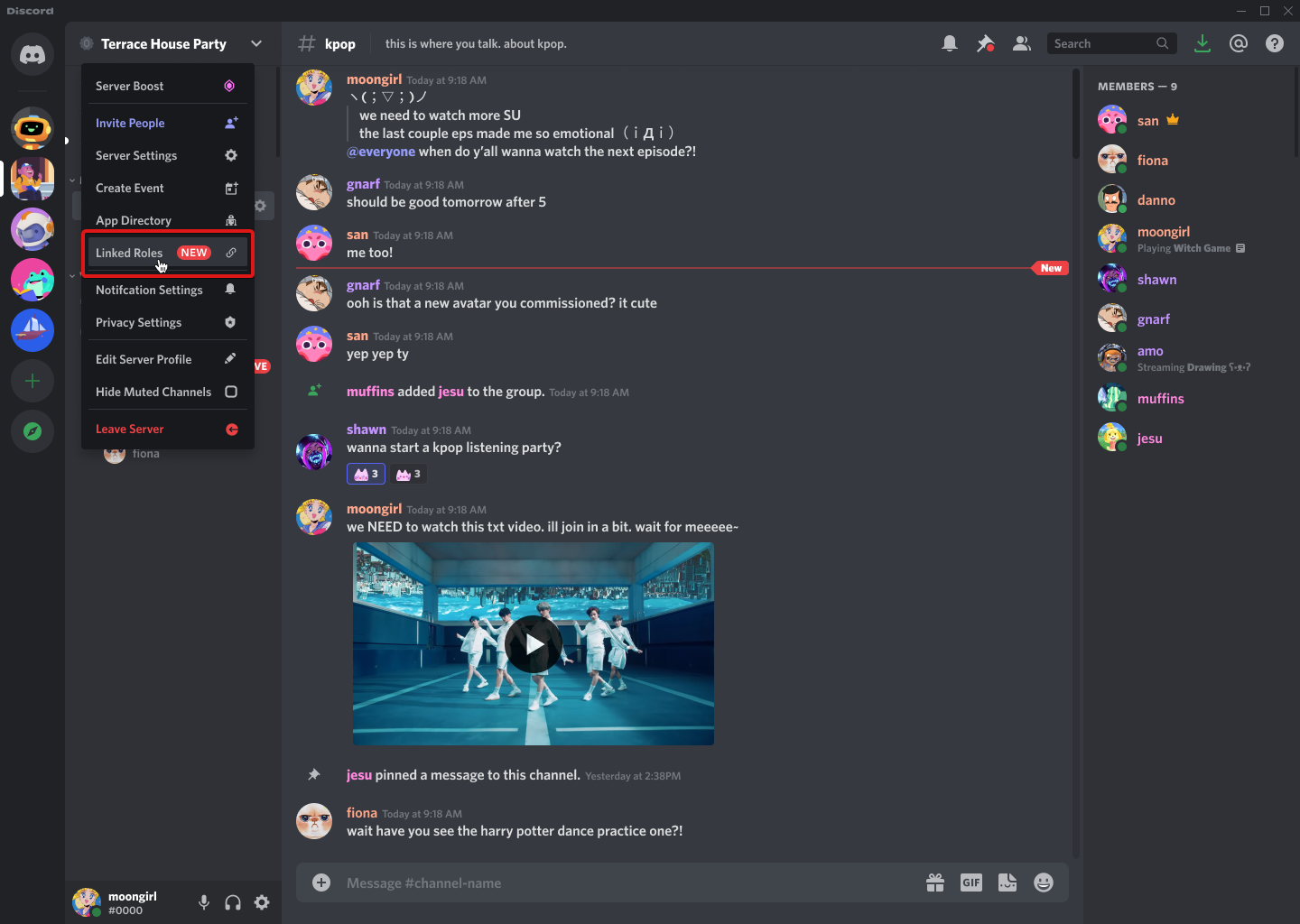
You can visit the linked roles section of the NECCDL Discord server click the verification option for the NECCDL verification bot.
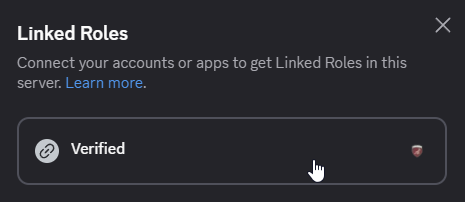
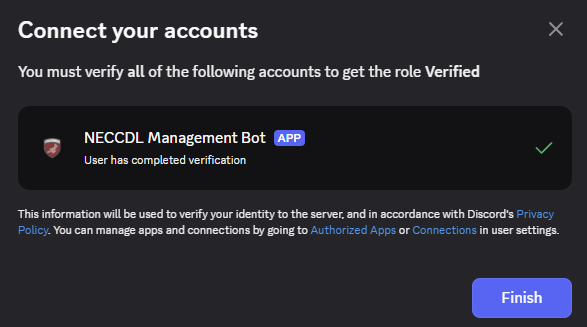
Find the role labeled Verified that has the NECCDL verification bot icon next to it and click the button to start the verification process.
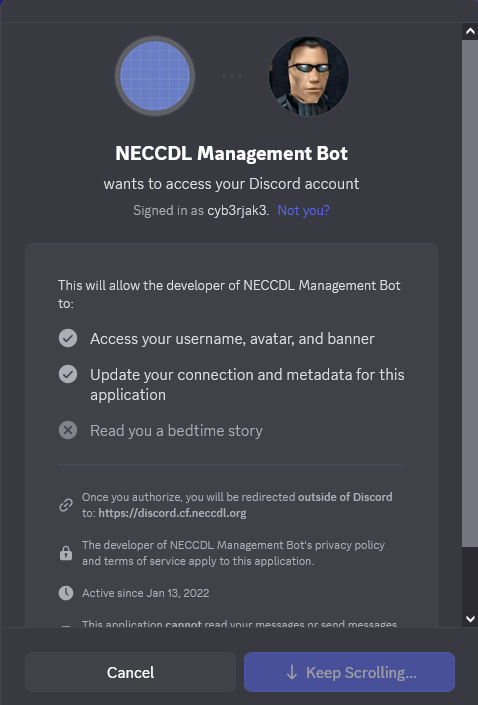
It will open the NECCDL verification website in your browser. Follow the instructions to verify your account. You will see a prompt to log in with your Discord account and authorize the NECCDL verification bot.
After completing the verification process, you will receive a role in the NECCDL Discord server that grants you access.
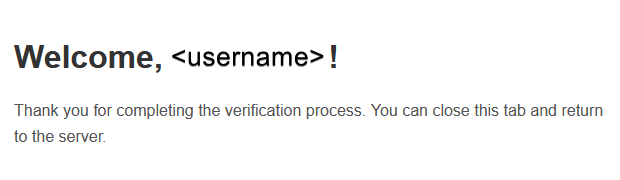
and in Discord you will see the Verified role added to your account.
Logout
If you want to logout from the NECCDL verification bot, you can do so by visiting the NECCDL Discord Verification Logout Page. You will be redirected to Discord to confirm the logout.
After logging out, you will lose access to any roles granted by the NECCDL verification bot until you verify again.
FAQ
What data does NECCDL collect during verification?
NECCDL only collects your Discord user ID and username during the verification process. No other personal information is collected or stored. The verification service is granted access to update your metadata for the NECCDL Management bot only. You can read more able connections and linked roles on the Discord Support Page.
What is the source code for the verification bot?
Source code is available on GitHub.
Who can I contact for help with verification? If you need assistance with the verification process, please reach out to
cyb3rjak3.via the NECCDL Discord Server.